
Configure domain keys to be used for encryption.
Introduction
Domain keys are used to encrypt email when no user key is available. So they define the default key to use when otherwise the email could not be encrypted.
For example, let’s assume we have configured a domain key with an email address of fallback@ourdomain.com.
Now, when
-
an email is received for thelma.test@ourdomain.com
-
the email is not encrypted
-
Uptrust cannot find an encryption key for thelma.test@ourdomain.com
then Uptrust checks if a domain key is configured that matches the domain from the recipient address and finds fallback@ourdomain.com.
It then uses this email address to retrieve the key associated with it and encrypts the email with this key.
Domain keys can also be used to encrypt all outgoing emails to a specific domain with the same key. This is useful if there is another encryption gateway on the receiving end.
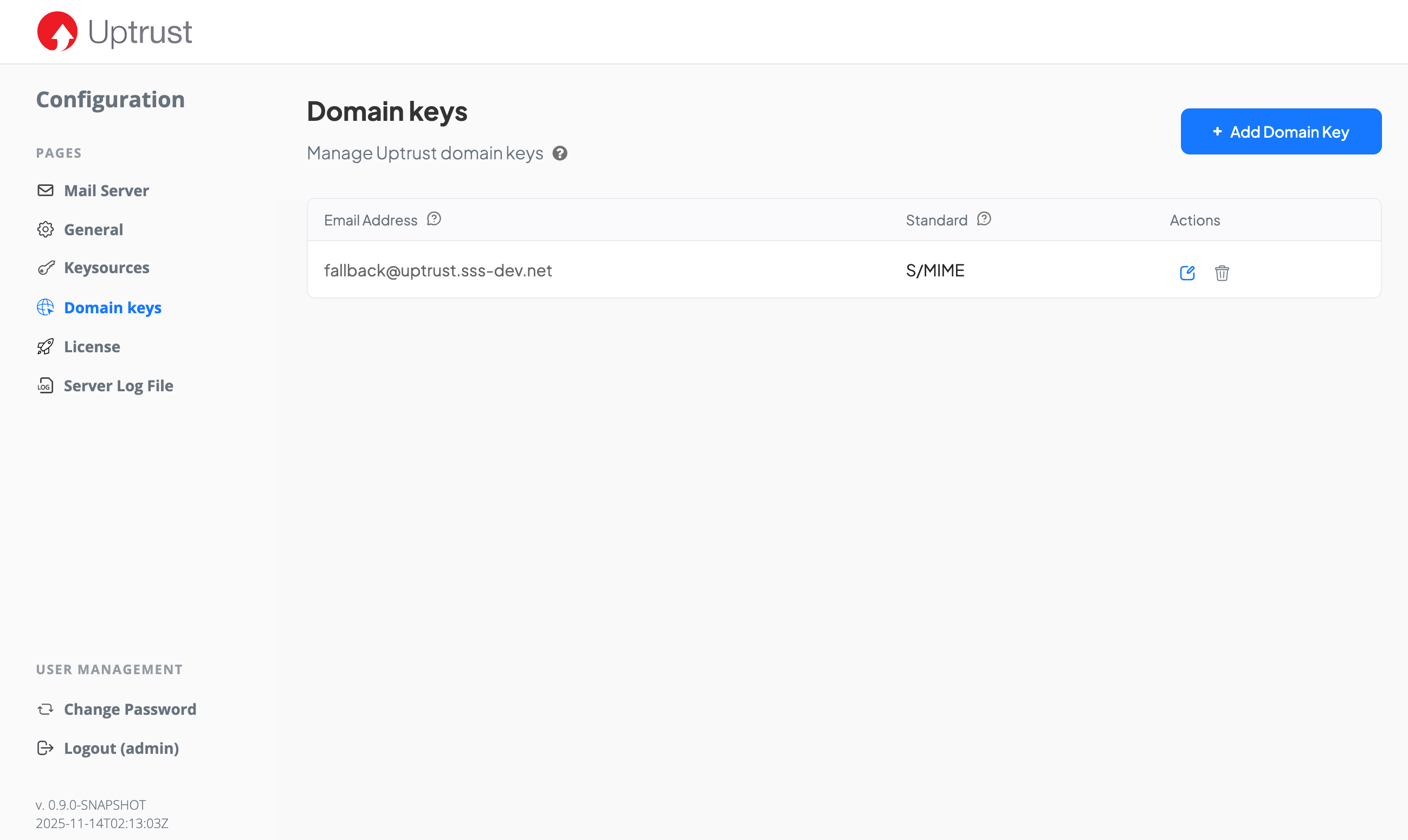
Email address
This specifies the email address to use to identify domain key.
Protection Standard
This specifies if the domain key is for use with S/MIME or PGP.